
Beginner guide
How to play Become A Striker (Roblox)
Sub Studios' Become A Striker on Roblox starts you at 17 in the National League. The useful model is simple: the match freezes, you pick PASS, SHOOT, or DRIBBLE, and you drag a line from the ball.
I rechecked the recording at 720p. Its creation screen shows three positions, 12 unspent attribute points and a starting overall of 50. That 50 is a rating, not a points budget. These are observations of the recorded save, not a fresh-account test.
Create the player
At 0:00 in the recording, enter a name and choose a nationality, then select Striker, Winger or Attacking Mid. The selected Striker has Shooting 52, Passing 42, Dribbling 46 and Pace 54, with 12 points available. Use the plus/minus controls to adjust the starting allocation and then START CAREER. The screen says unused points carry to your first level-up. See builds for the position descriptions; do not treat this recorded starting card as a universal current preset.
When the match freezes
- Pick an available action first. Open play can show PASS, SHOOT and DRIBBLE. In the recorded set pieces, locked slots replace actions that cannot be selected.
- Drag from the ball. Shoot lines aim at goal. Pass lines aim at a teammate. Dribble direction is visible as a line, but I have not measured what a long dribble line changes.
- Tutorial prompts can lock the action: SHOOT ONLY on a rebound or a back-post drop, PASS ONLY when the prompt wants a cut-back. Those locks appear next to “Tap to skip,” so I treat them as lesson script, not the rule of every match.
- The clock is a 90-minute match clock. I do not know the real-time length.
After the whistle
At 10:35, the hub shows Season 1 in League Two, PLAY MATCH, a locked SIM control, SHOP and CODES. The player is Level 3, overall 50, with 18 points available, 10 appearances, 11 goals, 4 assists and a 7.7 average. The separate Matchday 10/18 label describes the schedule in this save; appearances alone do not establish season length.
SIM is locked in the recorded hub. We have not tested simulation outcomes. Rewinds, from the official code text and GameRant, send you back to a match moment; the cited guide does not describe an attribute reroll.
The career goals named by Sub Studios
The official description names five divisions, promotion and transfer offers, a national-team call-up, the World Cup and Golden Ball. This is an overview of the advertised career, not a verified unlock sequence. Start with the draw-a-line tutorial and use the progression hub to see which later rules are established and which remain untested.
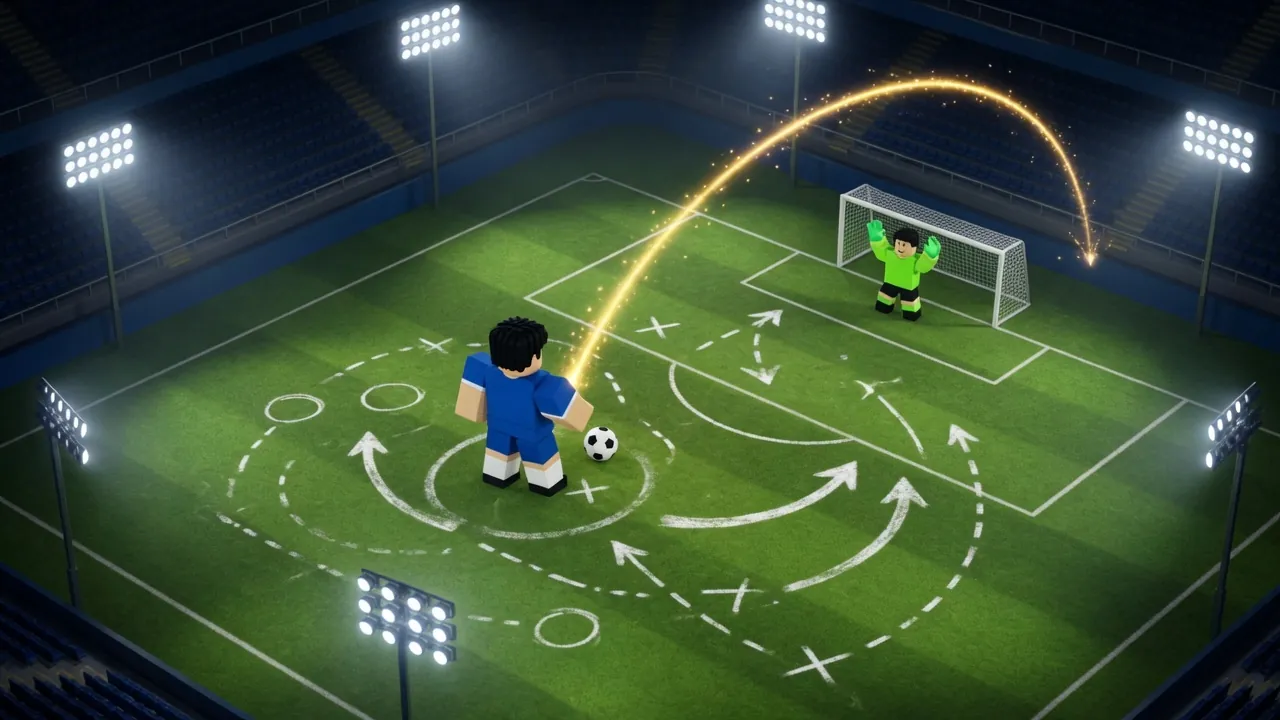
Next: shooting for the curl, set pieces for the wall and the corner, and the on-screen action notes above. A dedicated controls page is withheld until PC, touch and controller tests are recorded.
Match recording
The player stays empty until you press play. Channel: eqbal_OG. Title: Roblox become a striker.
Questions
Do I pick a position in Become A Striker?
Yes. The recorded creation screen offers Striker, Winger and Attacking Mid, with different playstyle descriptions. The title and short Roblox description do not list every creation option.
Can I skip the tutorial?
The recording shows Tap to skip. I do not know whether skipping withholds a reward.
Keep reading
Sources
- Roblox Games API, universe 10769393753 (checked 24 October 2026)
- eqbal_OG, “Roblox become a striker” (published 23 October 2026)
- GameRant on Rewinds
Last verified: 2026-10-24. Checked 24 October 2026. Updated 2026-10-24.